The ROUNDDOWN function
The ROUNDDOWN function allows you to automatically round a numeric results down to the nearest value based on the decimal places specified.
This is the format of the ROUNDDOWN function:
=ROUNDDOWN(NUMBER, NUMBER OF DIGITS)Here is an example of the ROUNDDOWN function:
=ROUNDDOWN(5647.8, 0)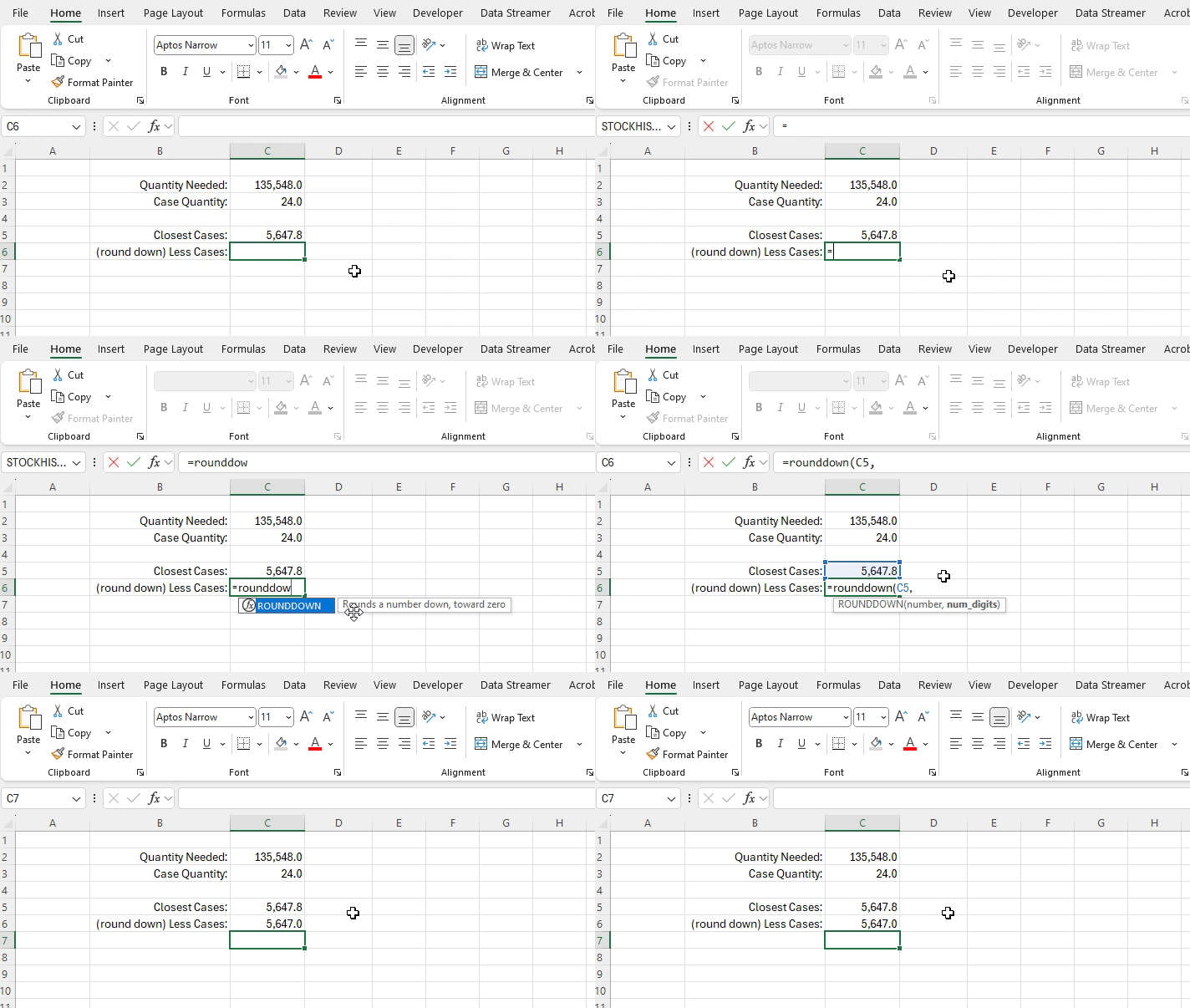
ROUNDDOWN function returning the rounded value of 5,647 from the input of 5,647.8 rounded to zero decimal places.
This function is valuable when you are dealing with situations when decimal numbers, or decimals past a certain level of granularity are not realistically possible or viable, and when you always want the lower of the rounded options.
An example of a functional implementation of this would be determining how much of a product you can buy with the funds you have available. You can never buy a partial unit, so you always need to round down to the nearest value.
ex: you can buy121.7 posters with the funds you have available, you will not be able to buy the 122nd poster without additional funds
=ROUNDUP(121.7, 0)